
How to create a design system in Figma
A step-by-step guide from an empty file to colors, type, tokens, light and dark themes, components and code — in about ten minutes with the free UIX plugin.
- Install UIX and open it
- Set your brand colors
- Choose your typography
- Set up your tokens
- Create light and dark themes
- Preview the changes
- Sync to Figma
- Generate components
- Hand off with docs and code
Install UIX and open it
Install UIX from Figma Community, then open it in any Figma file from the Plugins menu. It works in your existing files — nothing is changed until you sync.
 UIX : Design System Generator×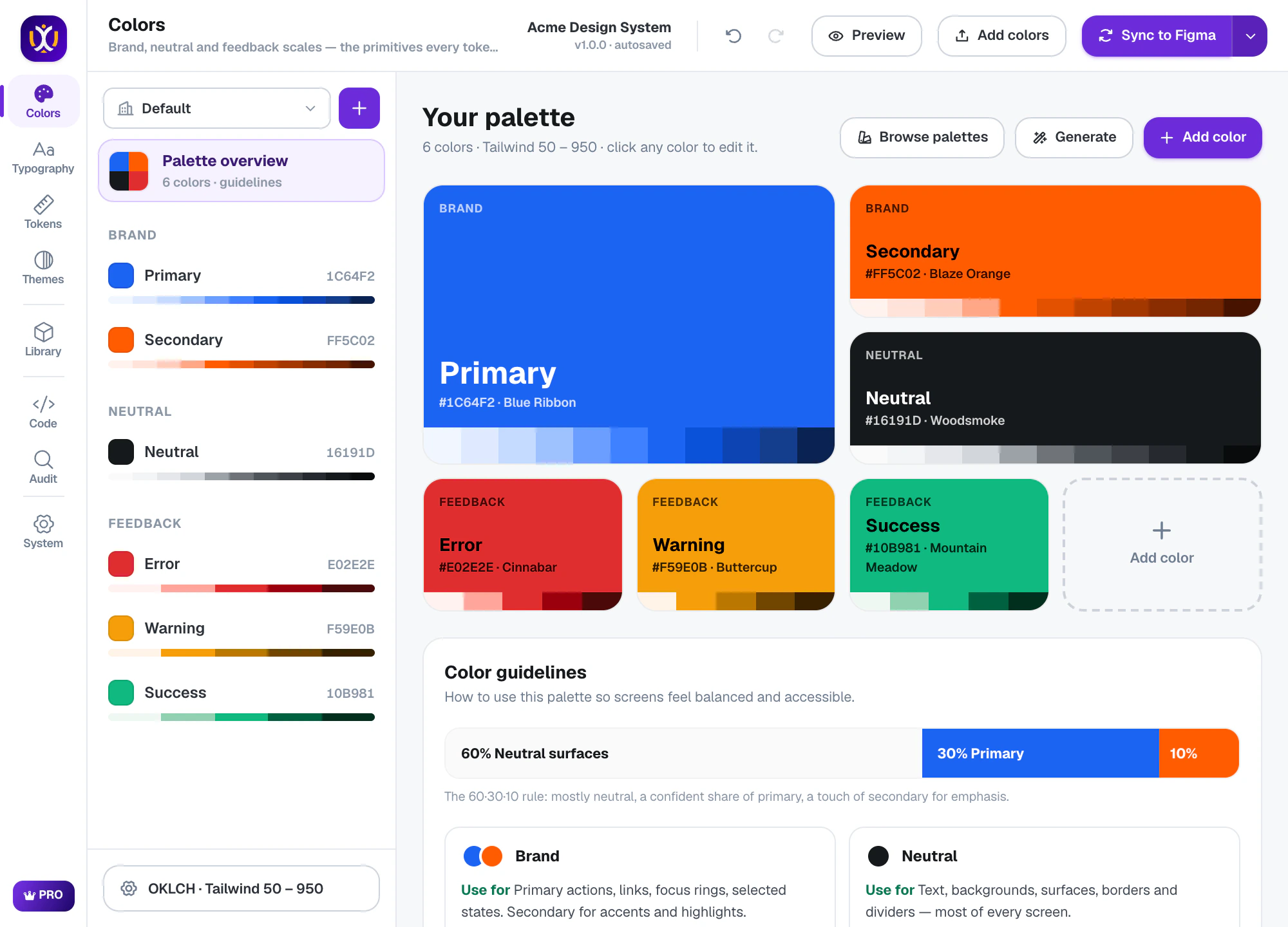
Set your brand colors
In Colors, enter your brand color (or pick one of 34 palettes). UIX creates 11-shade scales for brand, neutral and feedback colors and checks contrast on every shade.
UIX : Design System Generator×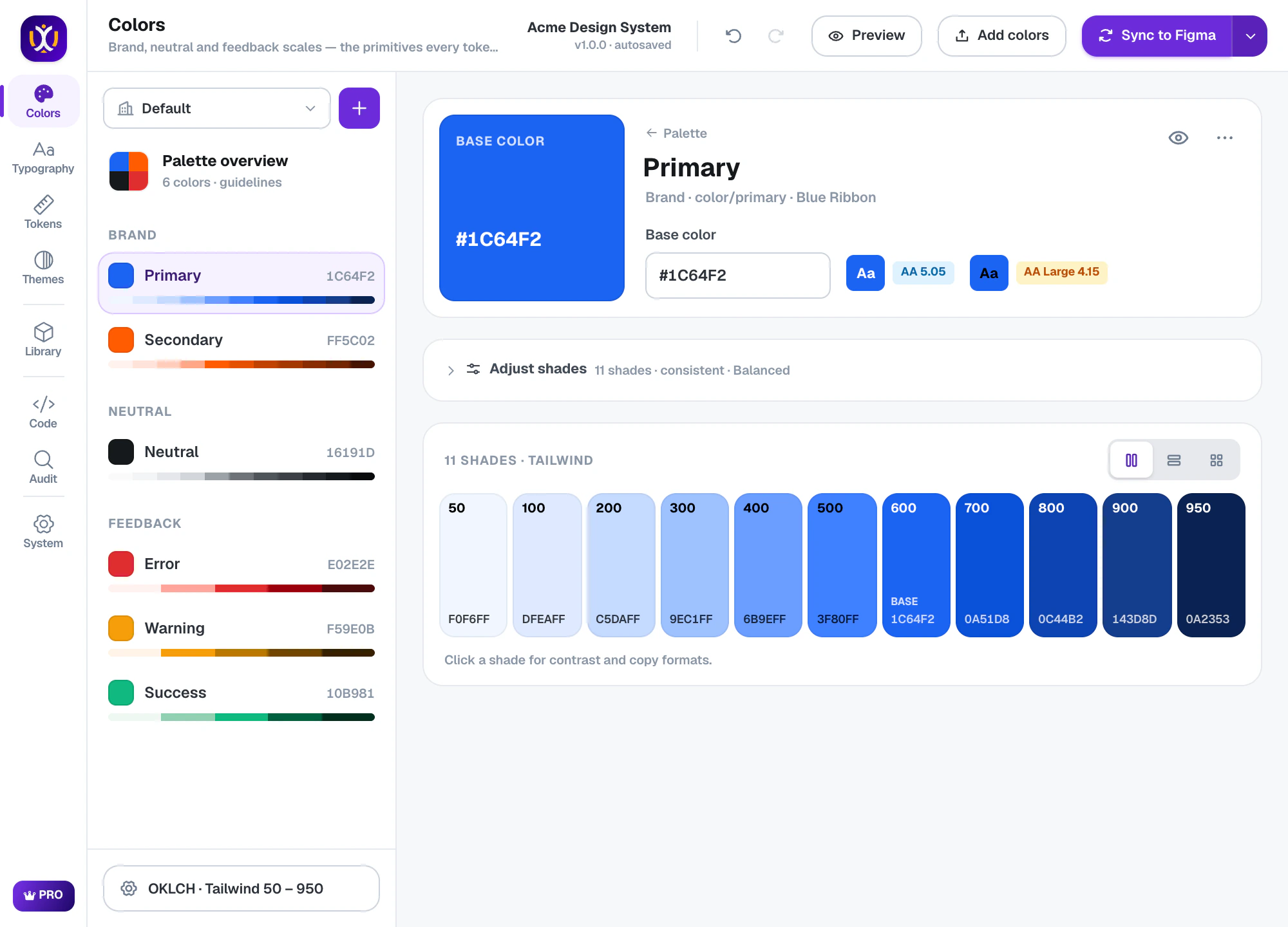
Choose your typography
In Typography, pick a font pairing and a scale ratio. Every style from Display to Caption is calculated, with Desktop, Tablet and Mobile values.
UIX : Design System Generator×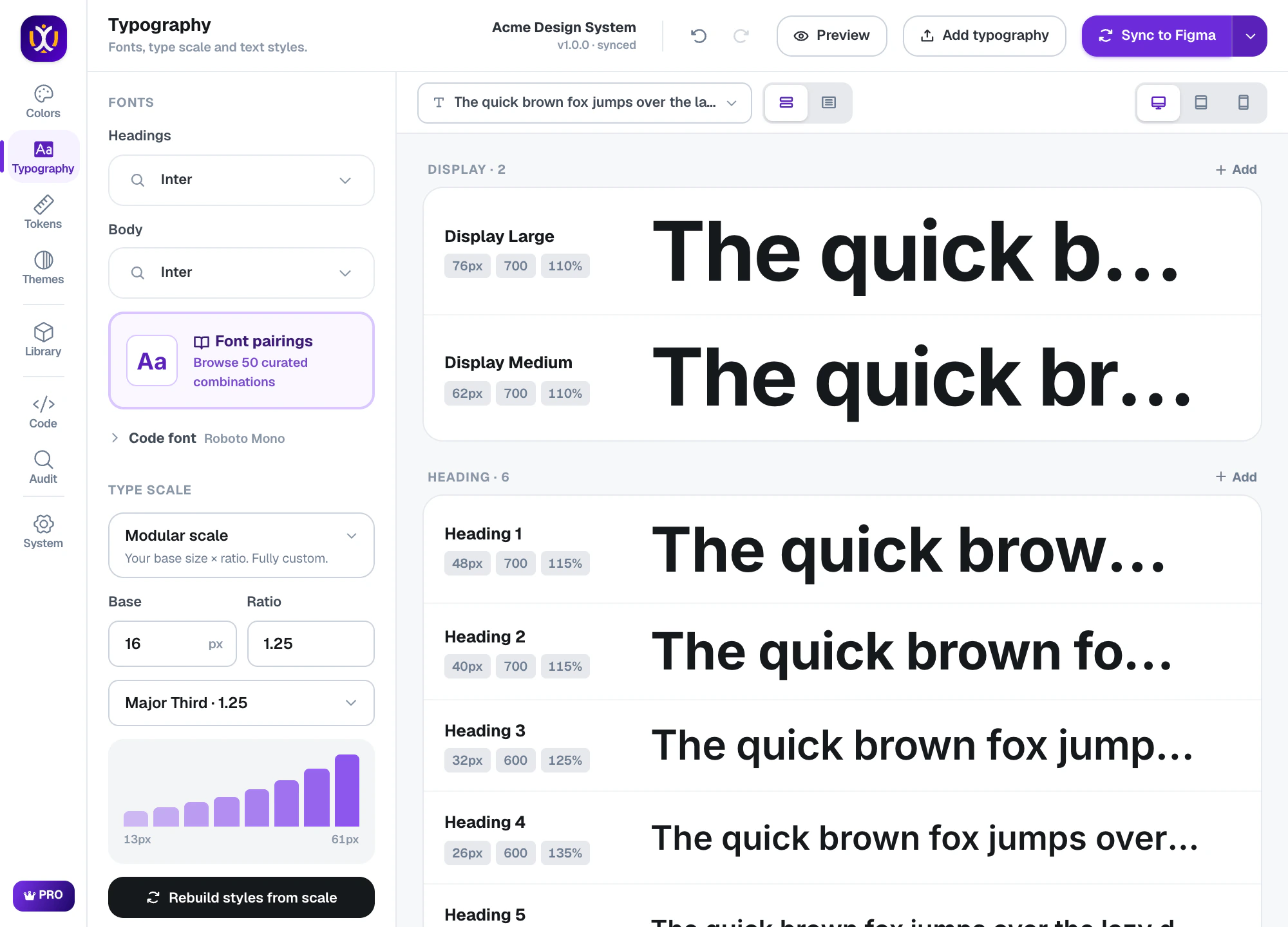
Set up your tokens
In Tokens, review spacing, sizing, radius, borders, shadows, motion and z-index. The defaults follow common practice; adjust anything you like.
UIX : Design System Generator×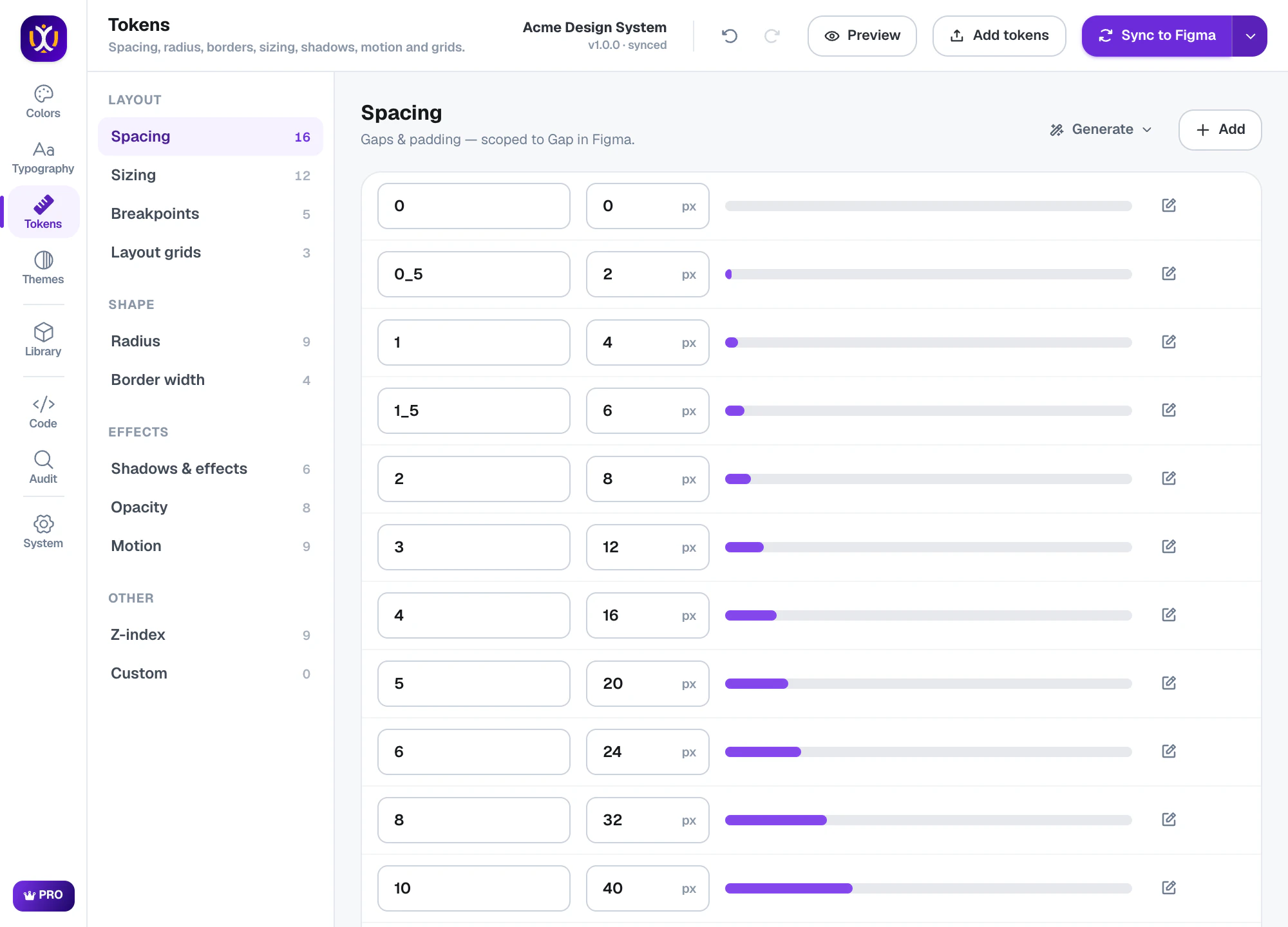
Create light and dark themes
In Themes, semantic tokens (bg, text, border, icon) map to your palette. Add dark mode, check contrast and fix failing pairs in one click.
UIX : Design System Generator×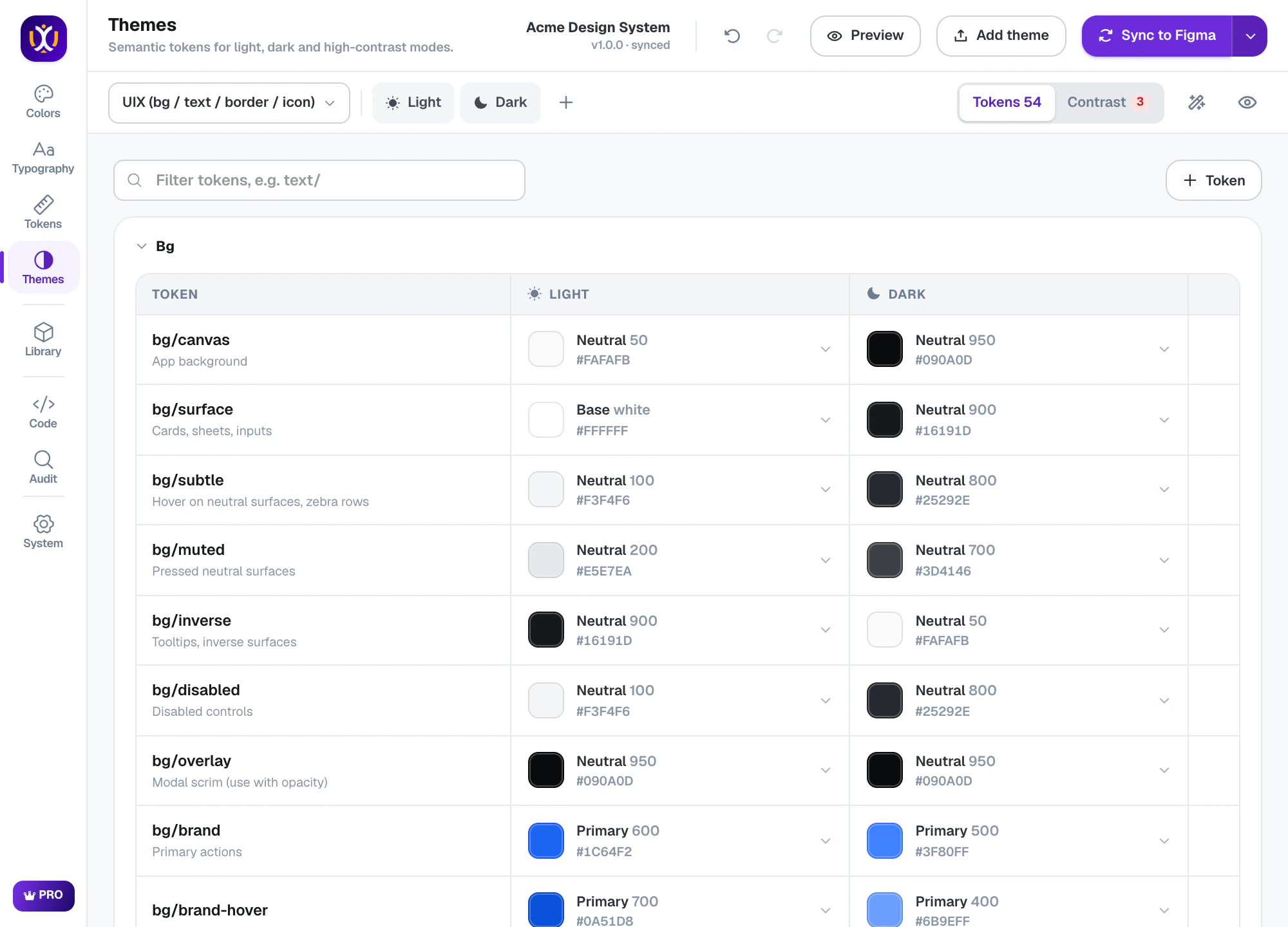
Preview the changes
Before anything touches your file, Preview changes compares UIX with the file and shows what will be created, updated or left alone.
UIX : Design System Generator×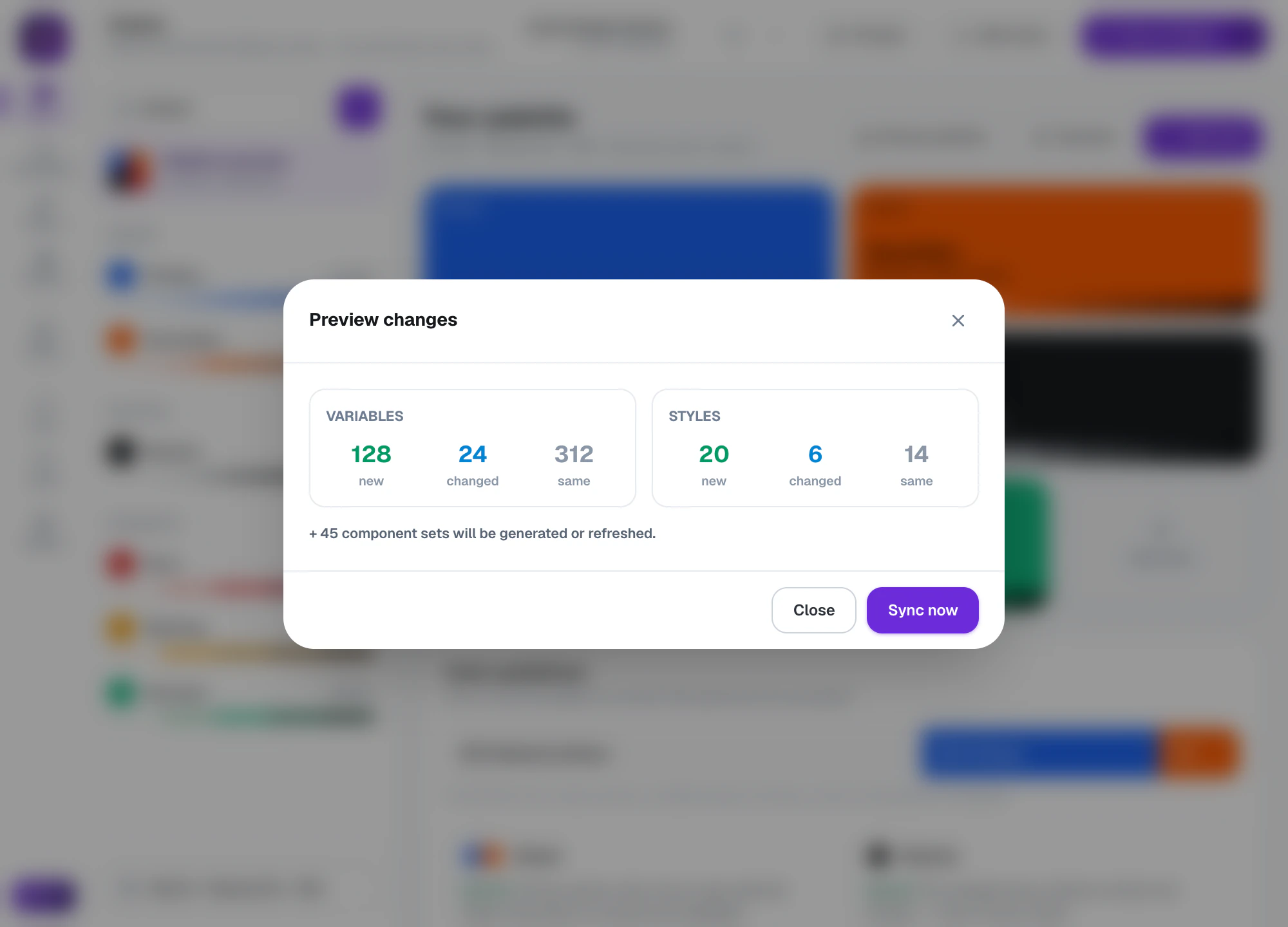
Sync to Figma
Press Sync to Figma to create everything, or use the Sync menu to add one part at a time — only colors, only text styles, only components.
UIX : Design System Generator×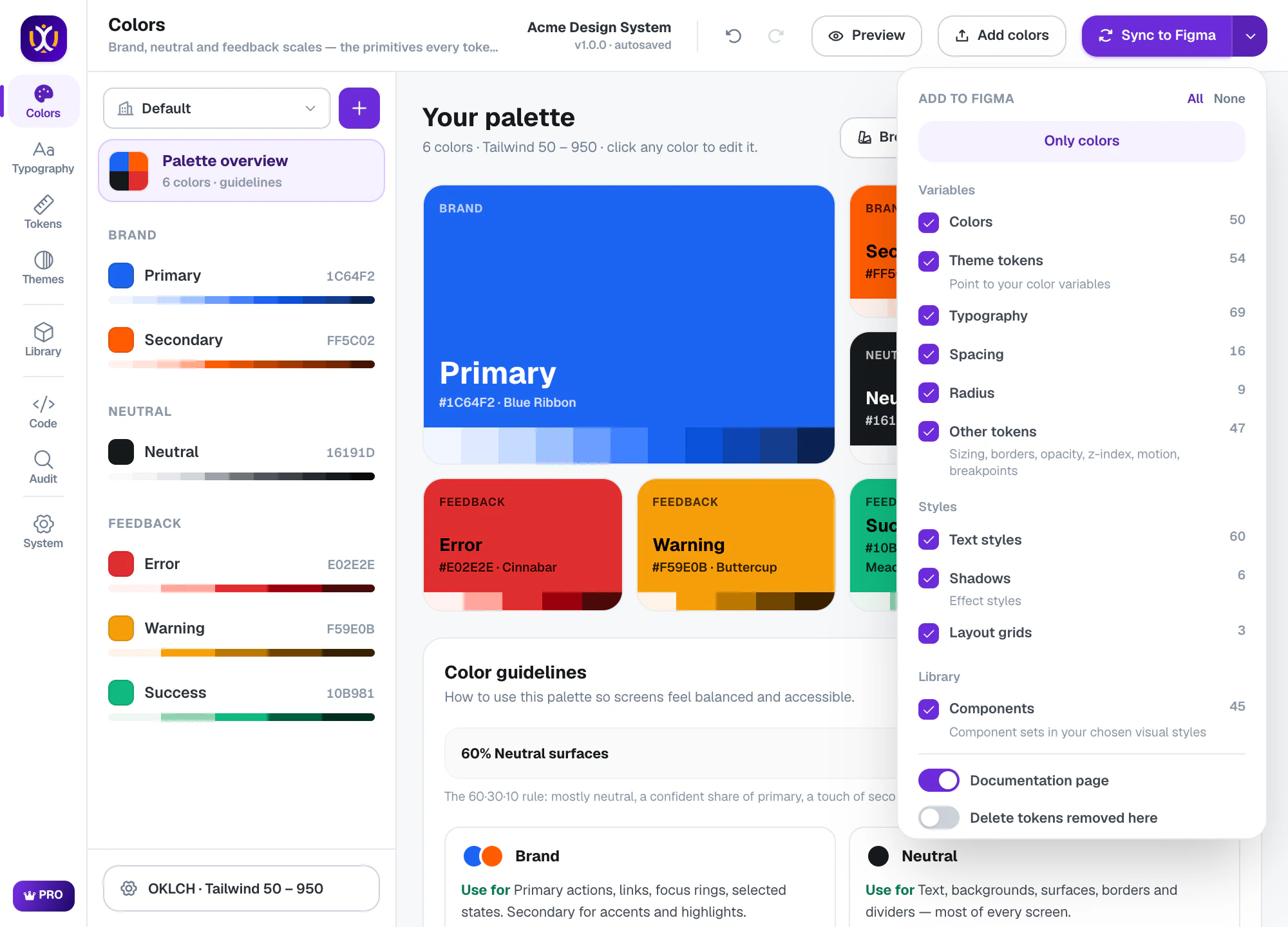
Generate components
In Library, choose components and a visual style. UIX builds real component sets bound to your tokens, laid out on boards by category.
UIX : Design System Generator×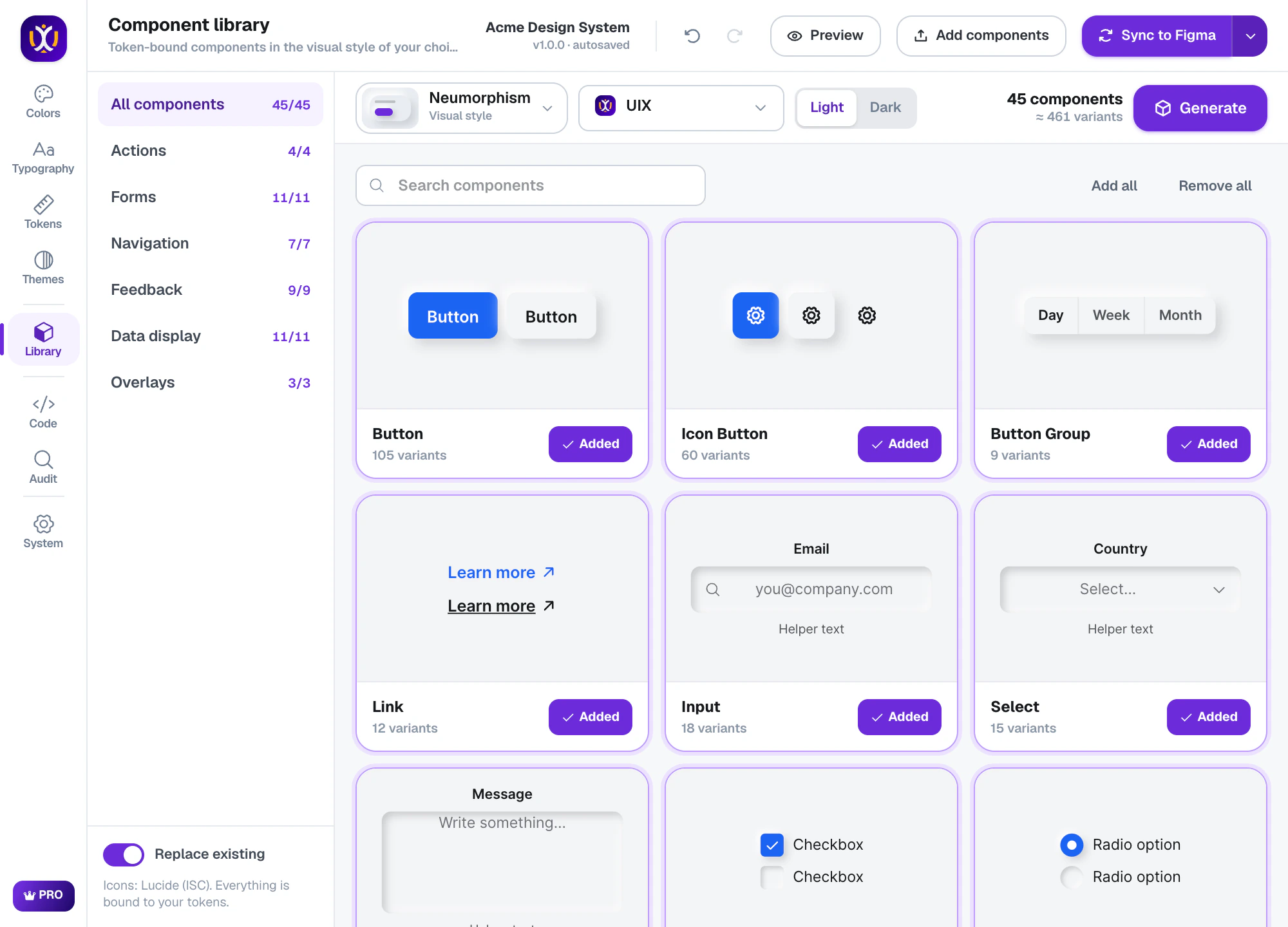
Hand off with docs and code
Your file now has a documentation page. In Code, export CSS, Tailwind, SwiftUI, Compose, Flutter and more — or open a GitHub pull request.
UIX : Design System Generator×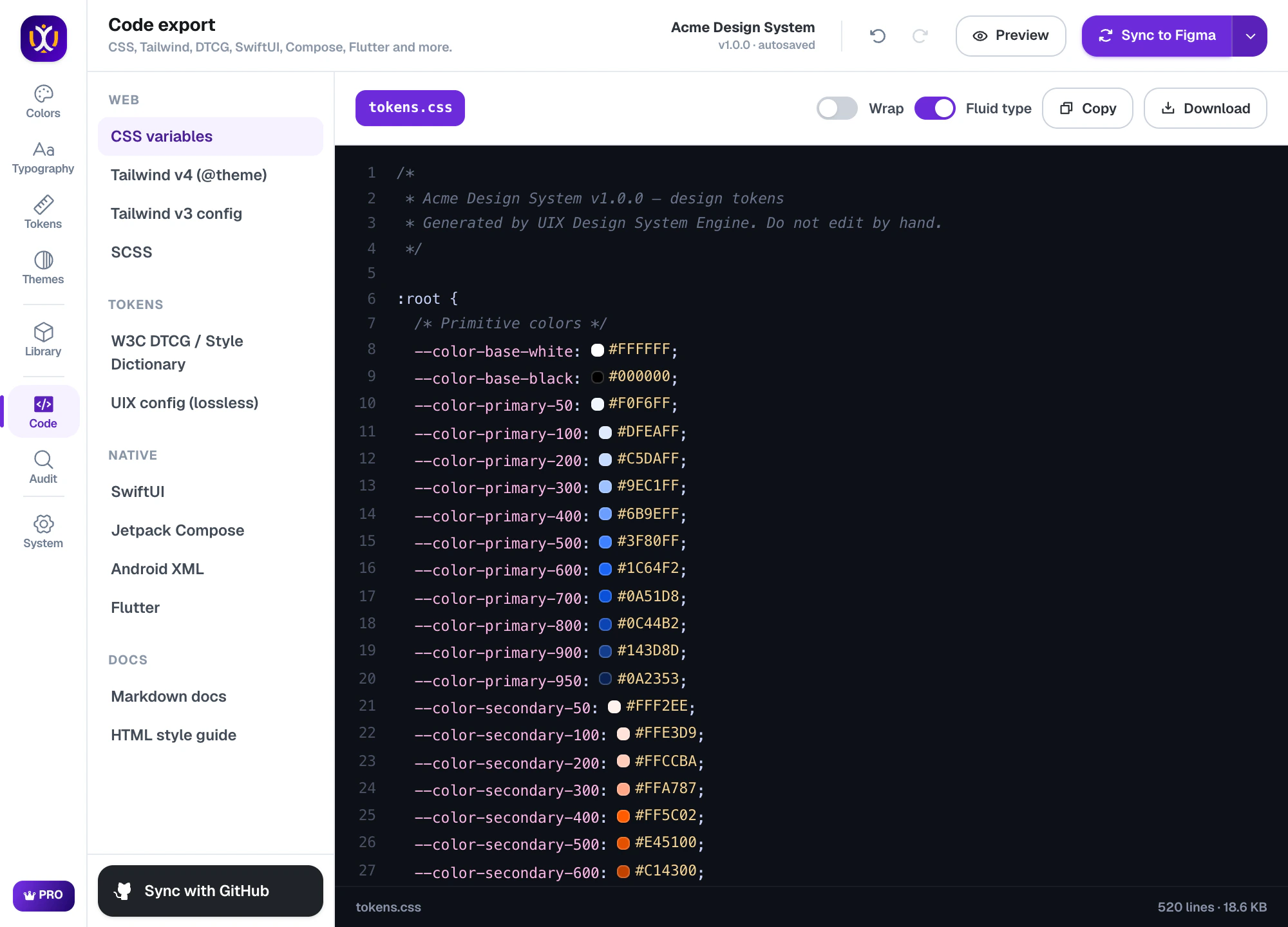
Questions, answered
What should a Figma design system include?
At minimum: color scales, semantic color tokens for light and dark, a type scale with text styles, spacing and radius tokens, effects, and core components — all as variables and styles so designs and code stay in sync.
How long does it take?
With UIX, about ten minutes for a complete first version. Doing the same by hand usually takes days.
Is it free?
Yes, UIX is free to start: colors, typography, every token type, a light theme, Button and Badge, the docs page and CSS export. UIX Pro adds dark and multi-brand themes, all components and styles, and every code format, with a 7-day free trial.
Build your design system today.
Free to start in any Figma file. Pro is free for 7 days.