
Light & dark mode, wired up
Semantic tokens like bg/surface and text/primary point at your palette in every mode — so switching theme or brand is one click in Figma and one attribute in code.
 UIX : Design System Generator×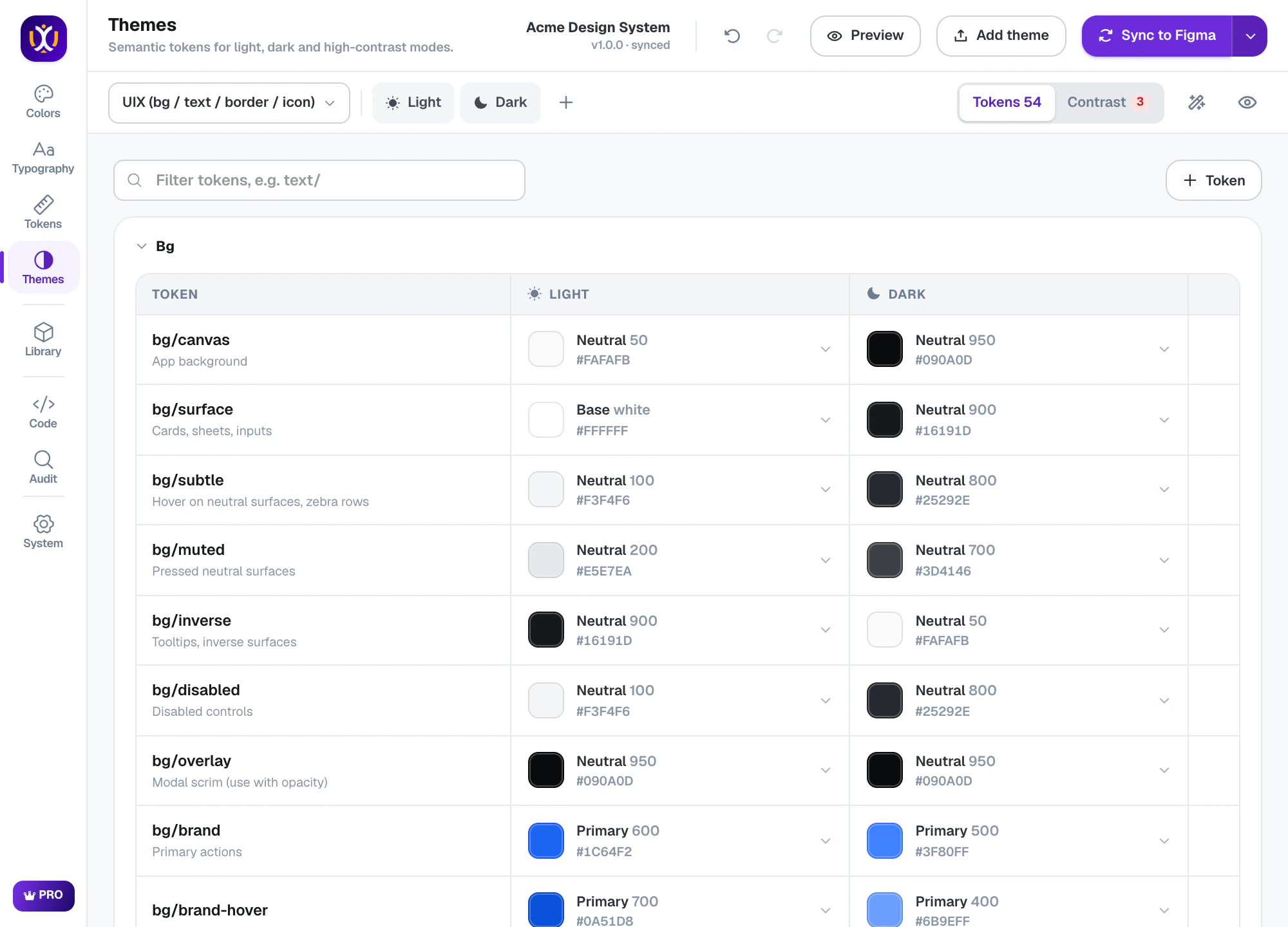
Themes, done properly
Semantic tokens
bg, text, border and icon tokens with clear names and descriptions, each aliased to a shade of your palette.
Dark mode in one click
Generate dark mode from light: UIX mirrors each token to the right shade on the other side of the scale.
Contrast checks & fixes
Every text and background pair is checked against WCAG, with one-click fixes for the ones that fail.
High contrast & multiple brands
Add high-contrast modes and extra brands that share the same tokens.
Presets
Start from UIX tokens, Material 3 color roles or shadcn/ui.
Theme preview
See a real interface in every mode before you sync.
Contrast you can trust
UIX lists every token pair that is meant to be read together and shows its contrast in each mode. Fix all moves the failing tokens to the nearest shade that passes.
UIX : Design System Generator×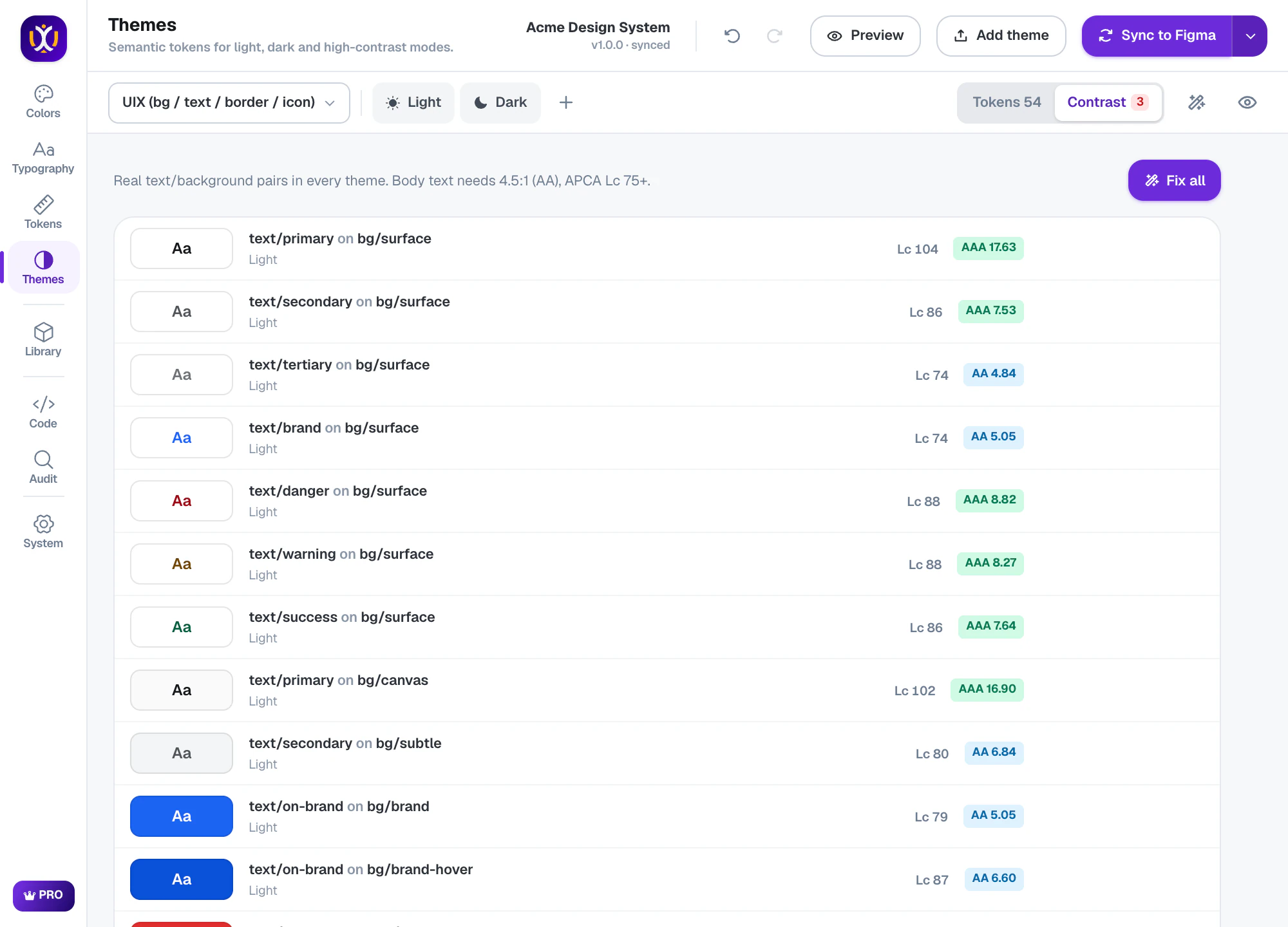
Preview every mode
Theme preview renders a sample interface in light, dark and high-contrast so you can judge the result as a whole, not token by token.
UIX : Design System Generator×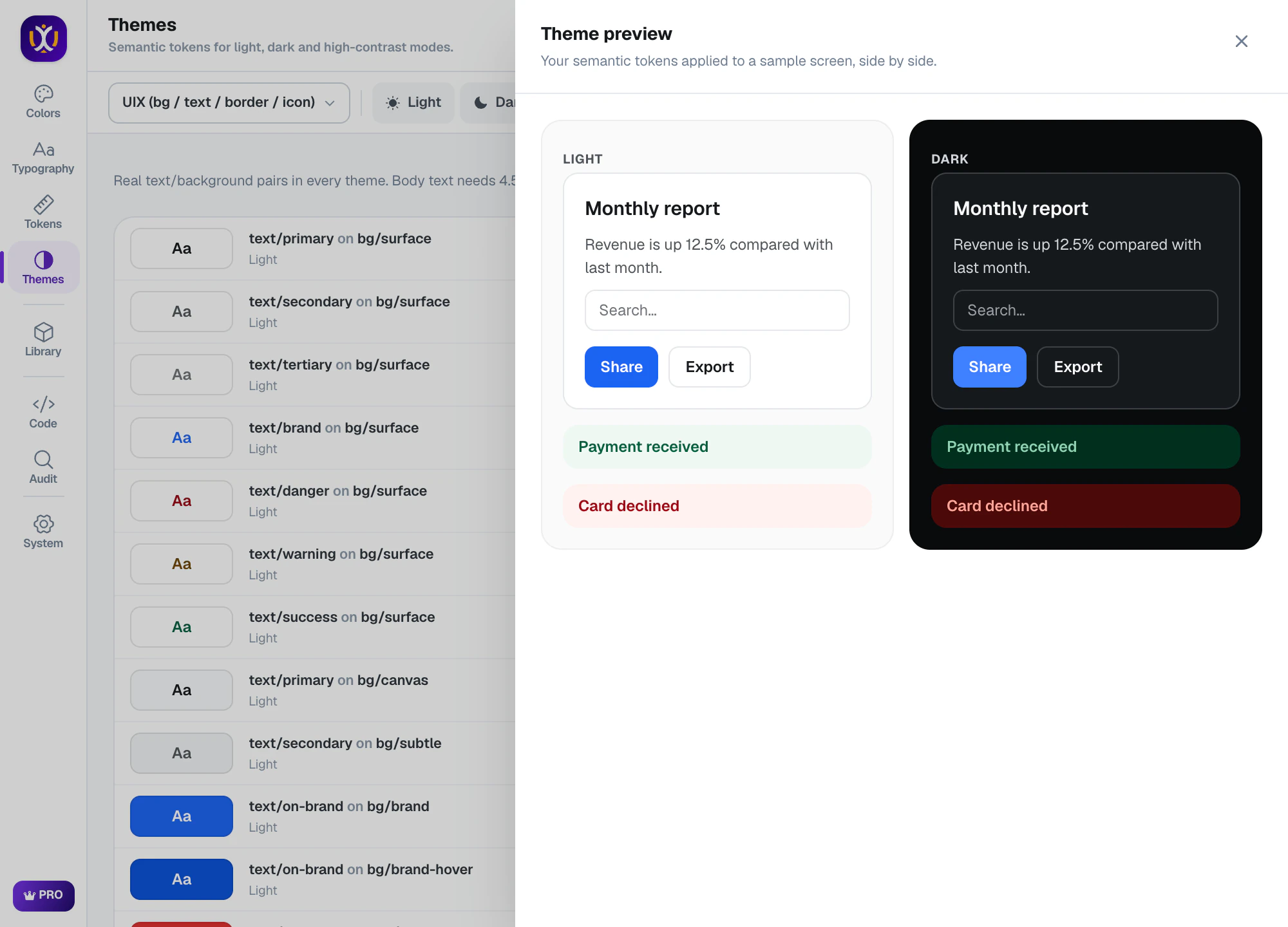
Real Figma variable modes
Themes become modes of a Theme collection in Figma. Switch a frame between Light and Dark in the layer panel, and every component and screen follows.
What’s included
Free
A light theme with semantic tokens and WCAG contrast checks.
Pro 7-day free trial
Dark, high-contrast and multi-brand themes, and the Material 3 and shadcn/ui presets.
Questions about themes
How do I make dark mode in Figma?
Use variable modes: one Theme collection with Light and Dark modes, where each semantic token points at a different shade. UIX builds this for you — create the dark mode from light, check contrast, then sync.
What are semantic tokens?
Tokens named by purpose (bg/surface, text/primary, border/subtle) instead of by value. Components use them, so changing a theme never means editing components.
Does it work with shadcn/ui or Material 3?
Yes. Choose the shadcn/ui or Material 3 preset and UIX creates tokens with those names, and the CSS and Tailwind exports match.
 Colors
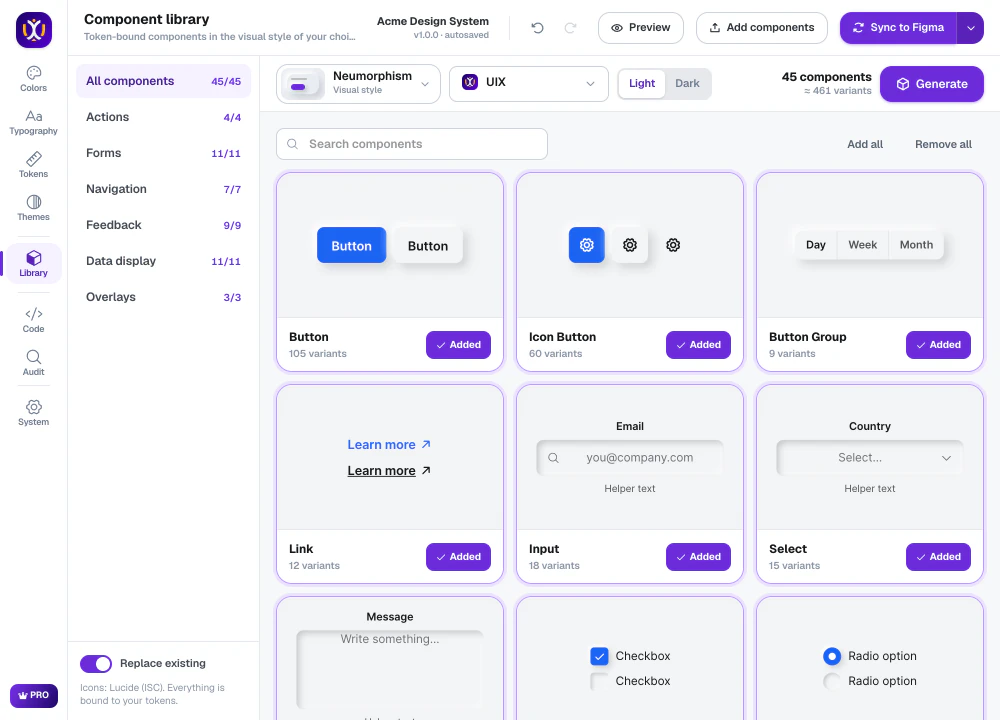 Components
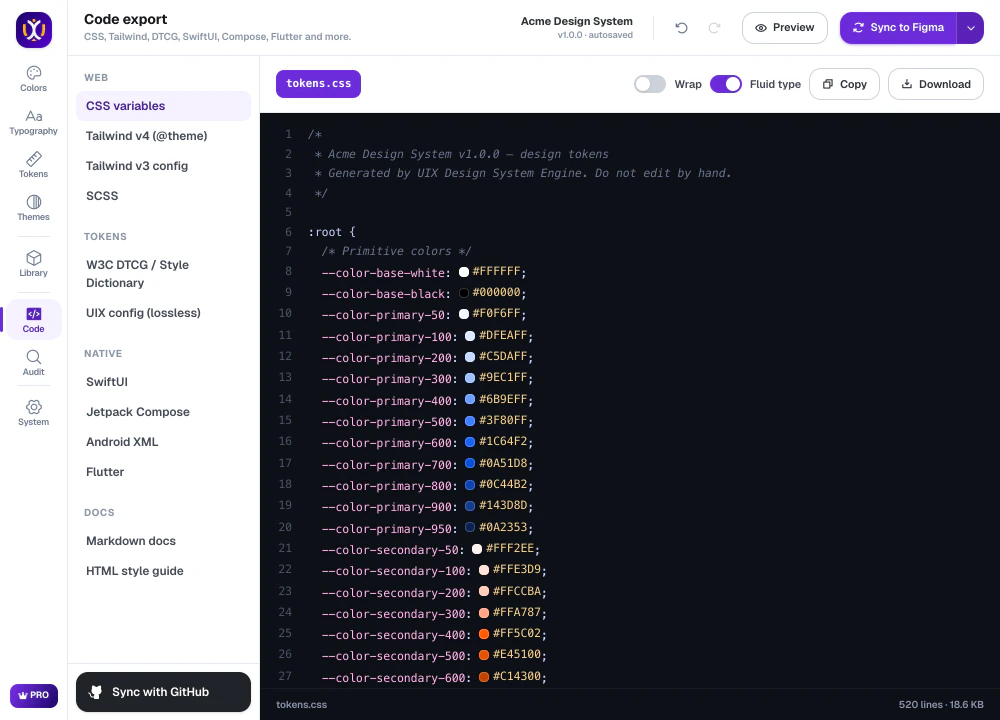 Code export
Build your design system today.
Free to start in any Figma file. Pro is free for 7 days.