
Design tokens, as real variables
Every foundation your product needs — from spacing to motion — named, aliased and saved as Figma variables and styles that developers can read in Dev Mode.
 UIX : Design System Generator×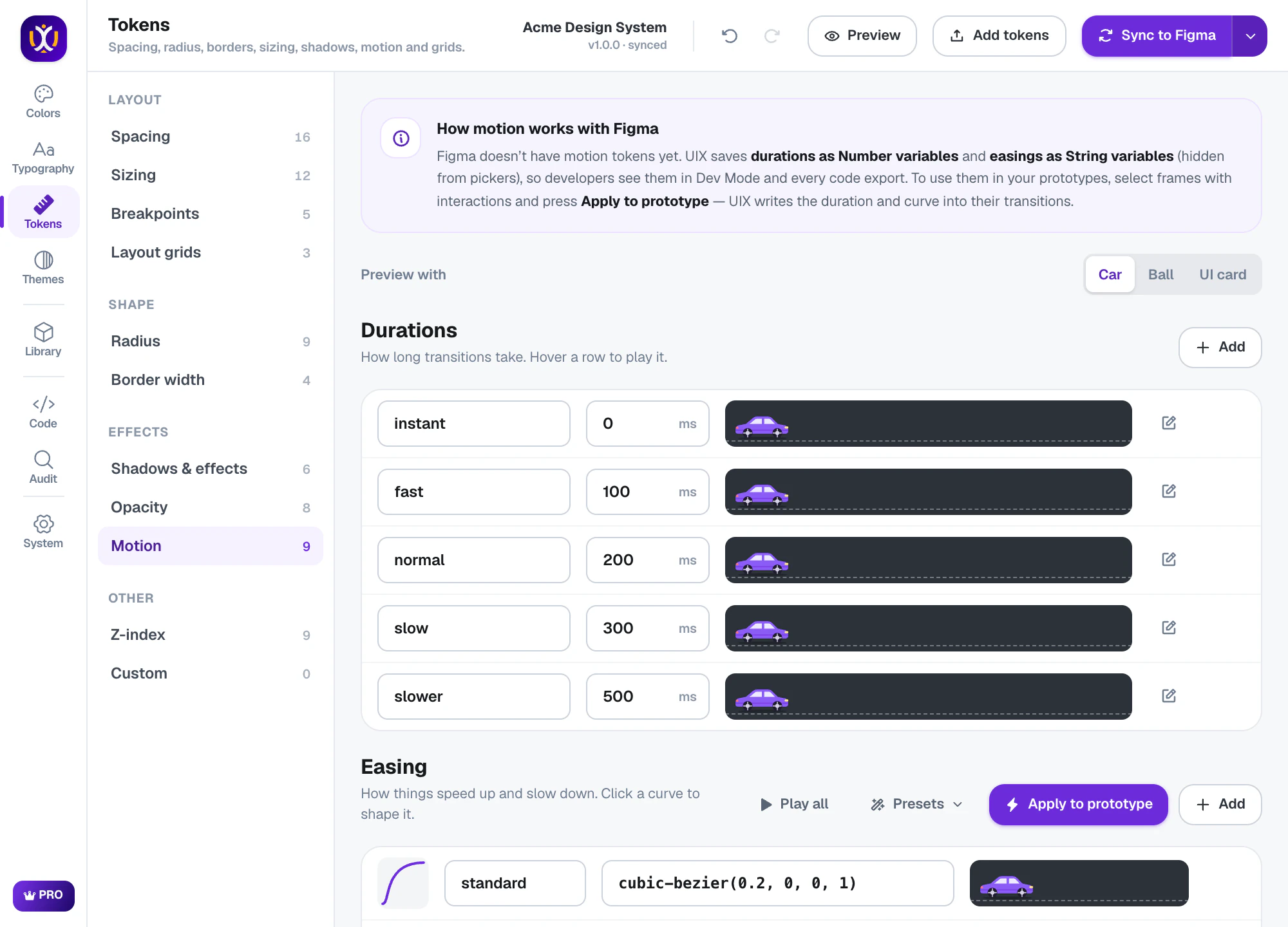
Design tokens, done properly
Spacing & sizing
A spacing scale generated from a base unit, sizing for icons and touch targets, breakpoints and layout grids.
Radius & borders
Pick a radius personality — sharp, balanced, soft, round or pill — plus border widths.
Shadows & effects
15 effect presets including soft, floating, glass, frosted, neumorphic, clay, glow and neon — with background blur and inner shadows.
Motion
Duration and easing tokens with a draggable curve editor and live previews.
Opacity & z-index
Opacity steps and a z-index scale for dropdowns, overlays, modals and toasts.
Dev Mode ready
Variables carry code names, so developers see the token instead of a raw number.
Shadows, glass and neumorphism as effect styles
Each effect is an editable Figma effect style: stack drop and inner shadows, set their color and blur, and add background blur for glass.
UIX : Design System Generator×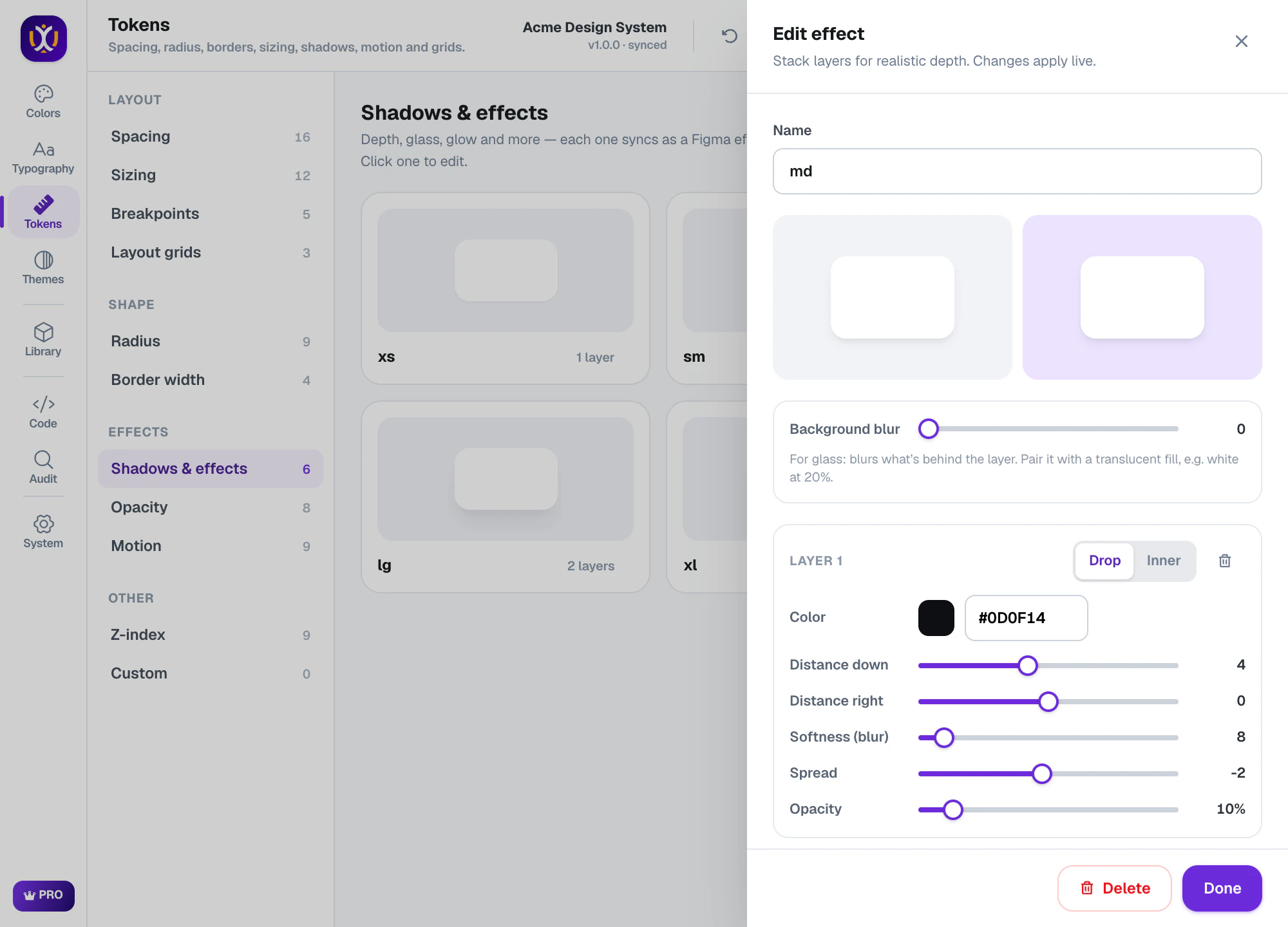
Spacing you can see
Every step is shown at real size, with its pixel value and name, so the scale is easy to review with your team.
UIX : Design System Generator×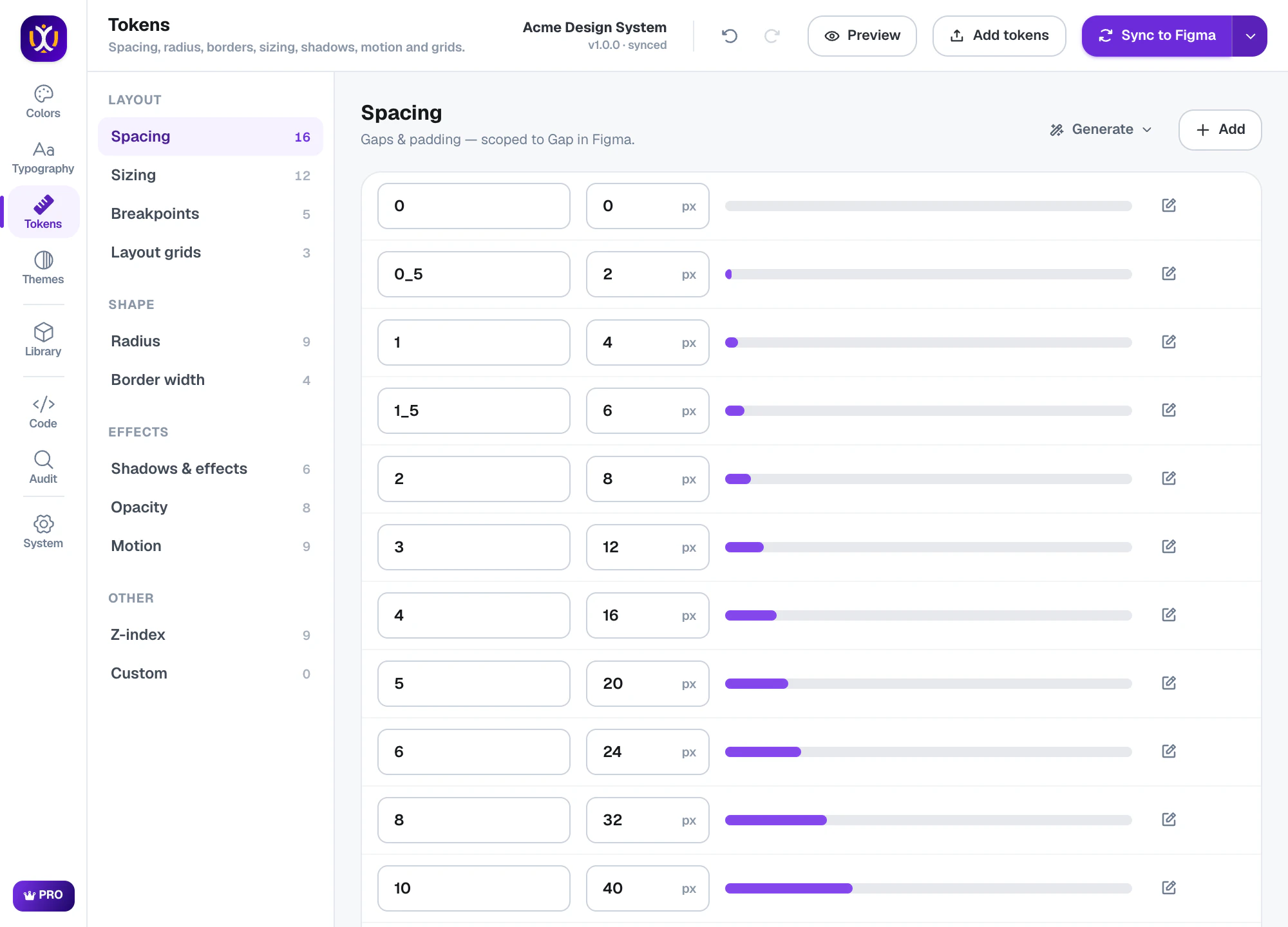
Motion that reaches your prototypes
Figma has no motion variables, so UIX saves durations as number variables and easings as string variables — visible in Dev Mode and every code export. Select frames with interactions and press Apply to prototype: UIX writes the duration and curve into their transitions.
What’s included
Free
Every token type — spacing, sizing, radius, borders, opacity, shadows, glass, motion, z-index and breakpoints.
Pro 7-day free trial
Every code format for your tokens, GitHub sync, and the rest of Pro.
Questions about tokens
What are design tokens in Figma?
Design tokens are named design decisions — for example space/4 = 16 or radius/md = 8. In Figma they live as variables and styles, so designs and code share one source of truth.
How does UIX store motion and z-index?
As Figma variables: durations and z-index values as numbers, easing curves as strings. Apply to prototype copies a duration and curve onto your prototype transitions.
Will UIX overwrite my existing variables?
No. UIX only updates the variables it created, in place, and shows a preview of every change before you sync. It can also import the variables you already have.
 Themes
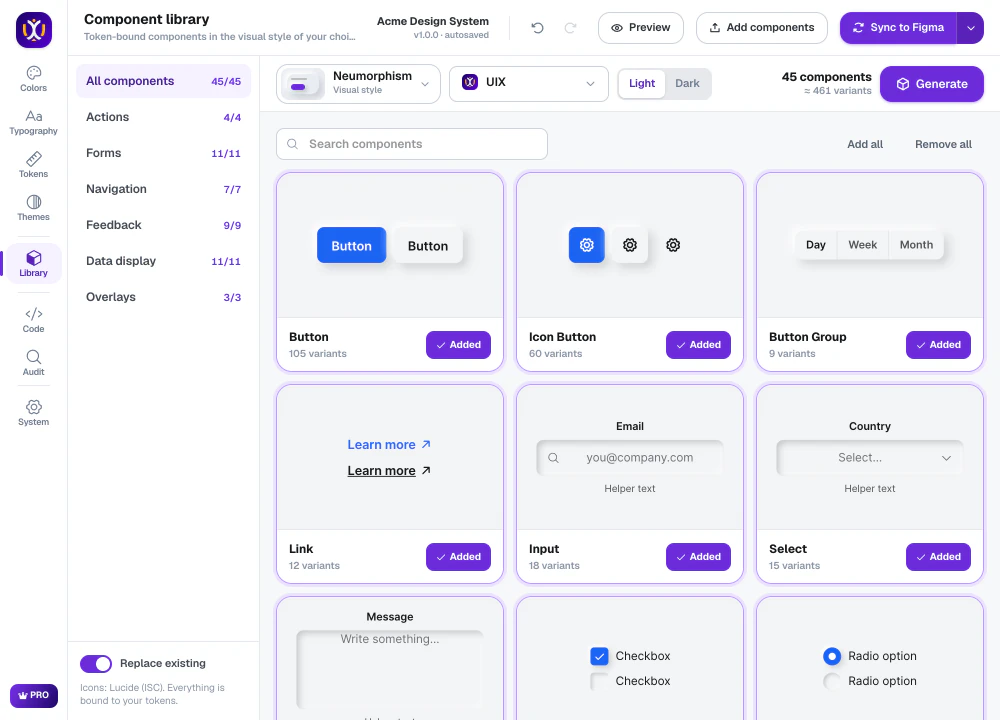 Components
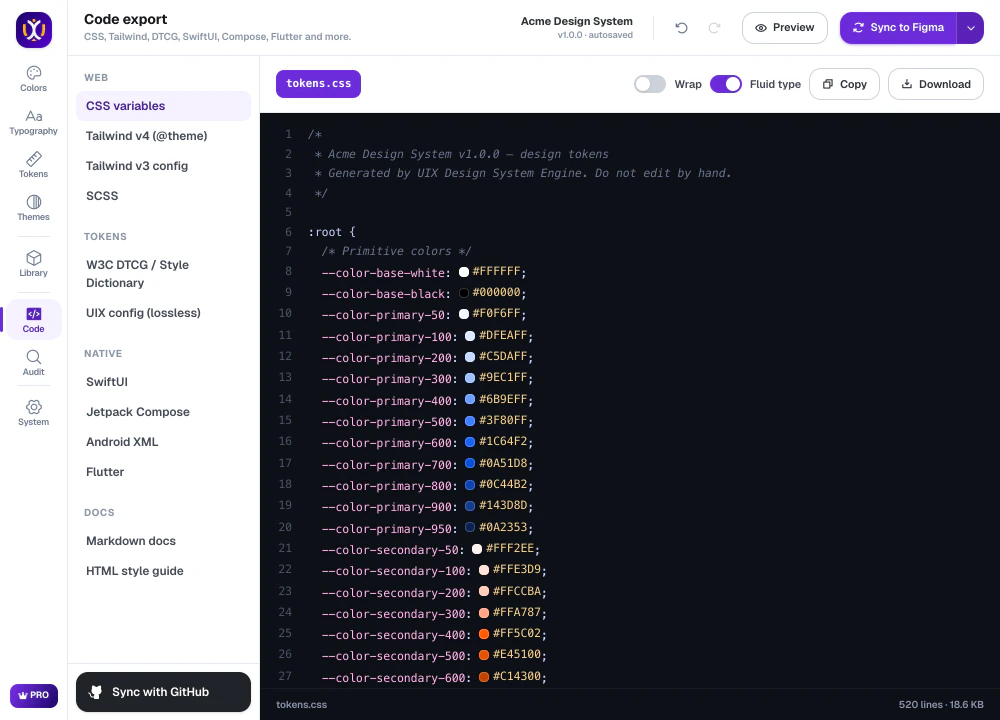 Code export
Build your design system today.
Free to start in any Figma file. Pro is free for 7 days.